WIN Super Minimal Black
WinWatchfaces

4.5 stars285 reviews10,000+$1.49
PersonalizationEveryoneVersion VARYUpdated 10/16/2025, 10:49:45 PM
Open in StoreNew Watch Face Format
Watch face for Wear OS
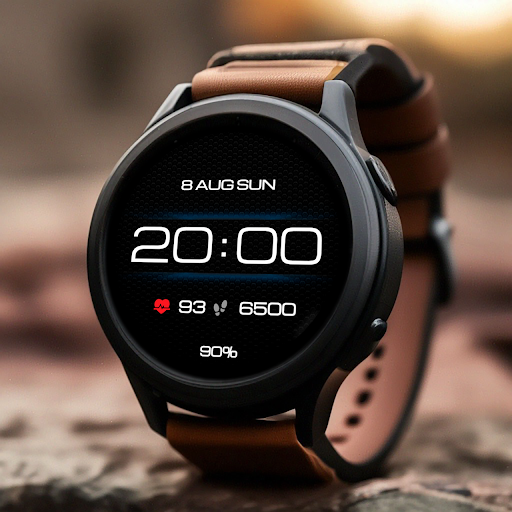
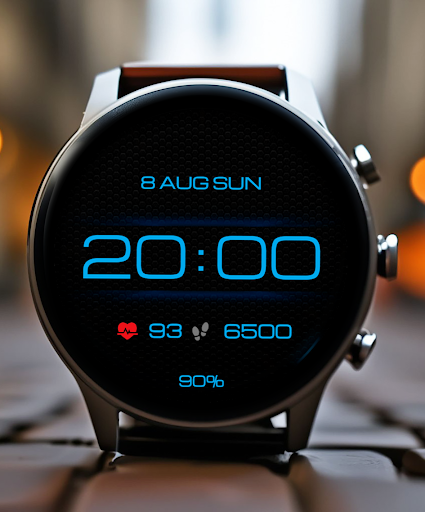
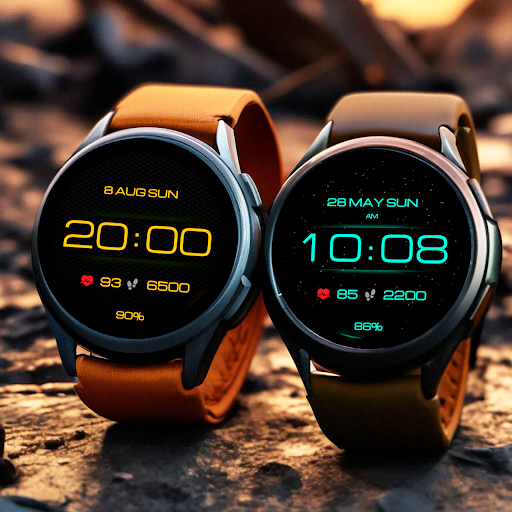
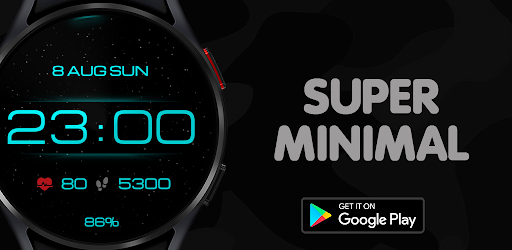
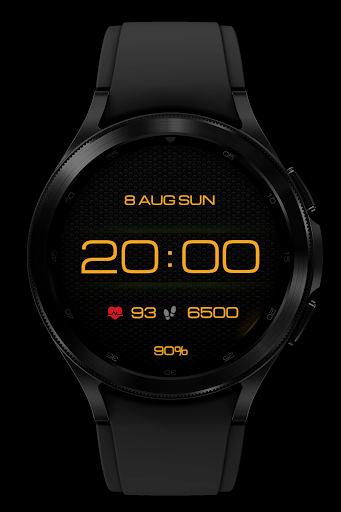
Here is a stylish modern watchface in a minimalist form, with background settings, here you can see a nice animation of twinkling stars on the main screen, this watchface will decorate your watch and give thoughtful brevity and ease of use for every day!
Basic moments:
- Time format 12\24 hours depending on the smartphone settings
- Date (month, day, week)
- Steps
- Pulse
- Custom complications
- Ability to change backgrounds
- Change colors
- AOD mode
This watch face supports all Wear OS devices with API level 33+, such as Samsung Galaxy Watch 4, 5, 6, 7, 8, Pixel Watch, etc.
- NOTES FOR INSTALLING WATCH FACE -
If you have problems with installation, please follow the instructions: https://bit.ly/infWF
Settings
- To customize your watch face, simply touch and hold the display, then tap the Customize button.
- IMPORTANT - since there are many settings here, it is better to configure the watchface on the watch itself as shown in the video: https://youtu.be/YPcpvbxABiA
Support
- Contact srt48rus@gmail.com.
Check out my other watch faces in the Google Play store: https://bit.ly/WINwatchface
Watch face for Wear OS
Here is a stylish modern watchface in a minimalist form, with background settings, here you can see a nice animation of twinkling stars on the main screen, this watchface will decorate your watch and give thoughtful brevity and ease of use for every day!
Basic moments:
- Time format 12\24 hours depending on the smartphone settings
- Date (month, day, week)
- Steps
- Pulse
- Custom complications
- Ability to change backgrounds
- Change colors
- AOD mode
This watch face supports all Wear OS devices with API level 33+, such as Samsung Galaxy Watch 4, 5, 6, 7, 8, Pixel Watch, etc.
- NOTES FOR INSTALLING WATCH FACE -
If you have problems with installation, please follow the instructions: https://bit.ly/infWF
Settings
- To customize your watch face, simply touch and hold the display, then tap the Customize button.
- IMPORTANT - since there are many settings here, it is better to configure the watchface on the watch itself as shown in the video: https://youtu.be/YPcpvbxABiA
Support
- Contact srt48rus@gmail.com.
Check out my other watch faces in the Google Play store: https://bit.ly/WINwatchface
Developer email
srt48rus@gmail.com
Released
Sep 14, 2021
Current version
VARY
Android version
VARY
Reviews & Ratings
4.5
out of 5
5
4
3
2
1
😊 Highly rated by users
285 reviewsScreenshots