Brainiac Car Launcher
Workshop 12

4.2 stars65 reviews1,000+$12.00
Auto & VehiclesEveryoneVersion 3.9.5Updated 10/17/2023, 11:38:58 PM
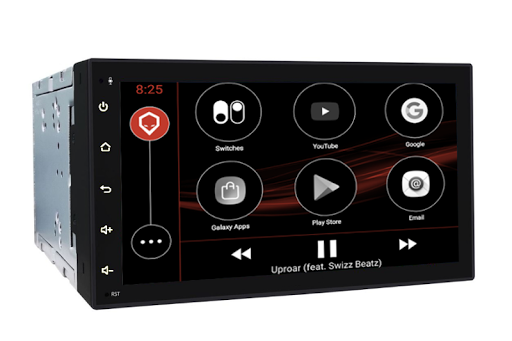
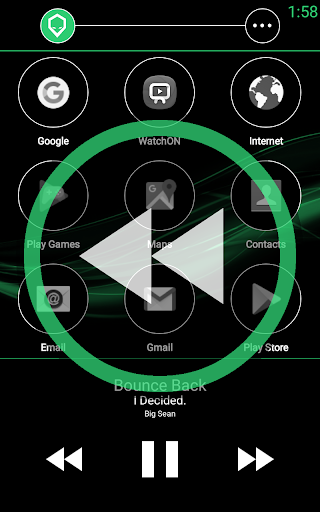
Open in StoreBrainiac allows you to seamlessly install a tablet or aftermarket stereo head unit as the new central computer (or brain) for your vehicle built on top of Android.
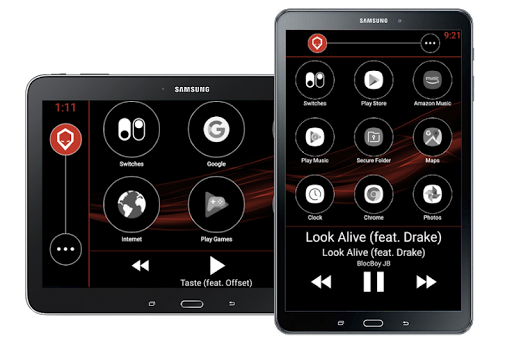
Through a combination of Android software, hardware integration and unique features, Brainiac allows you to create an incredible customized experience in your vehicle!
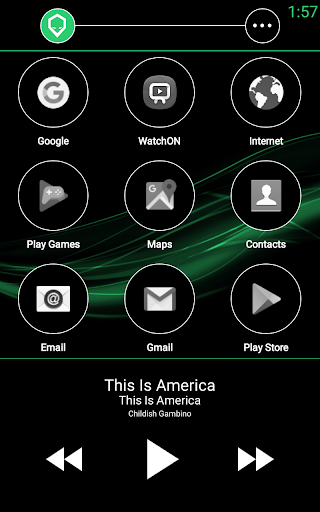
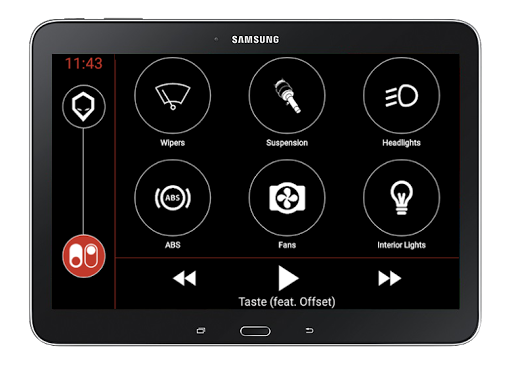
Quickly launch applications with large touch targets, control your media and quickly adjust volume and track selection with two finger gestures or manage electrical systems in your car right from your touch screen through the Brainiac Relay Accessory.
NOTE: For Spotify track information to display on the home screen you must make sure that "Device Broadcast Status" is turned on in your Spotify settings.
NOTE: This application contains optional functionality that requires Accessibility API and Appear on top permissions to be turned on to provide global gesture based navigation for home, back and app switcher options. A video showing the functionality and how to turn it on can be found here: https://www.youtube.com/watch?v=uYf-jrypCt0
Through a combination of Android software, hardware integration and unique features, Brainiac allows you to create an incredible customized experience in your vehicle!
Quickly launch applications with large touch targets, control your media and quickly adjust volume and track selection with two finger gestures or manage electrical systems in your car right from your touch screen through the Brainiac Relay Accessory.
NOTE: For Spotify track information to display on the home screen you must make sure that "Device Broadcast Status" is turned on in your Spotify settings.
NOTE: This application contains optional functionality that requires Accessibility API and Appear on top permissions to be turned on to provide global gesture based navigation for home, back and app switcher options. A video showing the functionality and how to turn it on can be found here: https://www.youtube.com/watch?v=uYf-jrypCt0
Developer email
support@workshoptwelve.com
Developer website
https://workshoptwelve.comReleased
May 26, 2018
Current version
3.9.5
Android version
4.1
Reviews & Ratings
4.2
out of 5
5
4
3
2
1
🙂 Mostly positive reviews
65 reviewsScreenshots