Screenshot Pro - Auto trimming
CloudEx Inc.

4.1 stars4,604 reviews100,000+$3.49
ToolsEveryoneVersion 7.2.2Updated 9/5/2025, 8:24:54 AM
Open in StoreHigh-speed screenshot photography, optimal for consecutive captures.
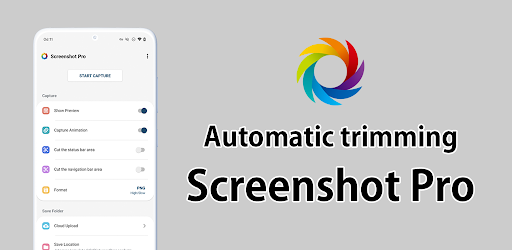
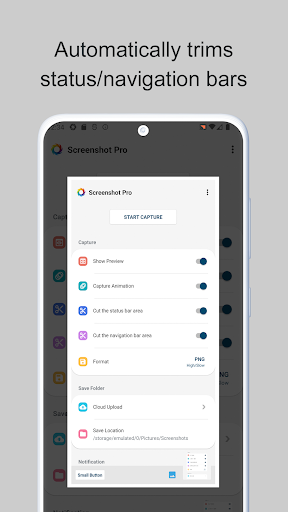
Can cut the status bar area and navigation bar area automatically.
Features
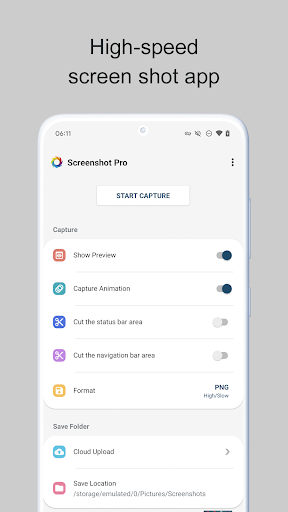
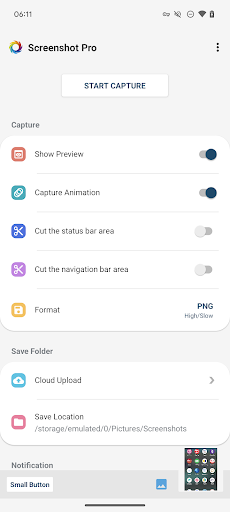
►Cut the status bar area
Automatically cut the status bar area.
►Cut the navigation bar area
Automatically cut the navigation bar area.
►Capture animation
Capture animation ON/OFF.
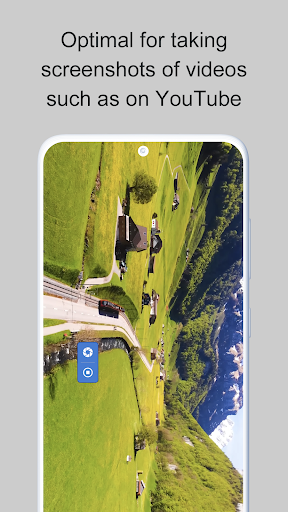
►Overlay shutter button
Convenient and mobile overlay shutter button.
►Notification Icon
Notification bar icon display function. You can take screenshot and check screenshot from here.
►Show Preview
After taking a screenshot, a miniaturized version is displayed on screen.
►Small Button
By setting this inconspicuous button to be displayed at all times, the shutter button can be instantly brought up any time you want to take screenshots.
This function is very convenient for people who regularly take screenshots.
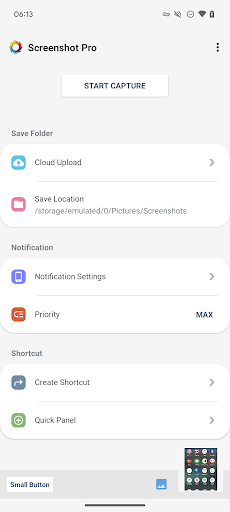
►Create Shortcut
You can also create a shortcut to access the shutter button with a single tap.
►Save Location
Modifiable save folder.
►Cloud upload
Automatically upload a copy of new screenshot to the cloud.
►Latest Screenshot
Open the most recent screenshot.
Can cut the status bar area and navigation bar area automatically.
Features
►Cut the status bar area
Automatically cut the status bar area.
►Cut the navigation bar area
Automatically cut the navigation bar area.
►Capture animation
Capture animation ON/OFF.
►Overlay shutter button
Convenient and mobile overlay shutter button.
►Notification Icon
Notification bar icon display function. You can take screenshot and check screenshot from here.
►Show Preview
After taking a screenshot, a miniaturized version is displayed on screen.
►Small Button
By setting this inconspicuous button to be displayed at all times, the shutter button can be instantly brought up any time you want to take screenshots.
This function is very convenient for people who regularly take screenshots.
►Create Shortcut
You can also create a shortcut to access the shutter button with a single tap.
►Save Location
Modifiable save folder.
►Cloud upload
Automatically upload a copy of new screenshot to the cloud.
►Latest Screenshot
Open the most recent screenshot.
Developer email
ifeeqp2002@gmail.com
Released
Oct 7, 2016
Current version
7.2.2
Android version
8.0
Reviews & Ratings
4.1
out of 5
5
4
3
2
1
⚠️ Users report mixed experiences
4,604 reviewsScreenshots